
Why SharePoint Classic End of Life Makes Modernization Essential for Business
For many organizations, SharePoint Classic End of Life has served as the foundation for intranets, document management, and business workflows. Over the years, custom pages, injected scripts, and legacy workflows enabled teams to move quickly and tailor solutions to changing business needs, enabling speed and flexibility at a time when those capabilities were essential.
However, that model is no longer sustainable. Microsoft is officially retiring key Classic SharePoint capabilities and redirecting its innovation and long-term investment toward Modern SharePoint and Microsoft 365–native services. Organizations that continue to depend on Classic components now face increasing operational, security, and compliance risks. Modernization is no longer a choice driven by preference. It is an essential requirement for business continuity, security assurance, and future growth.
What is Driving the Shift Away from SharePoint Classic?
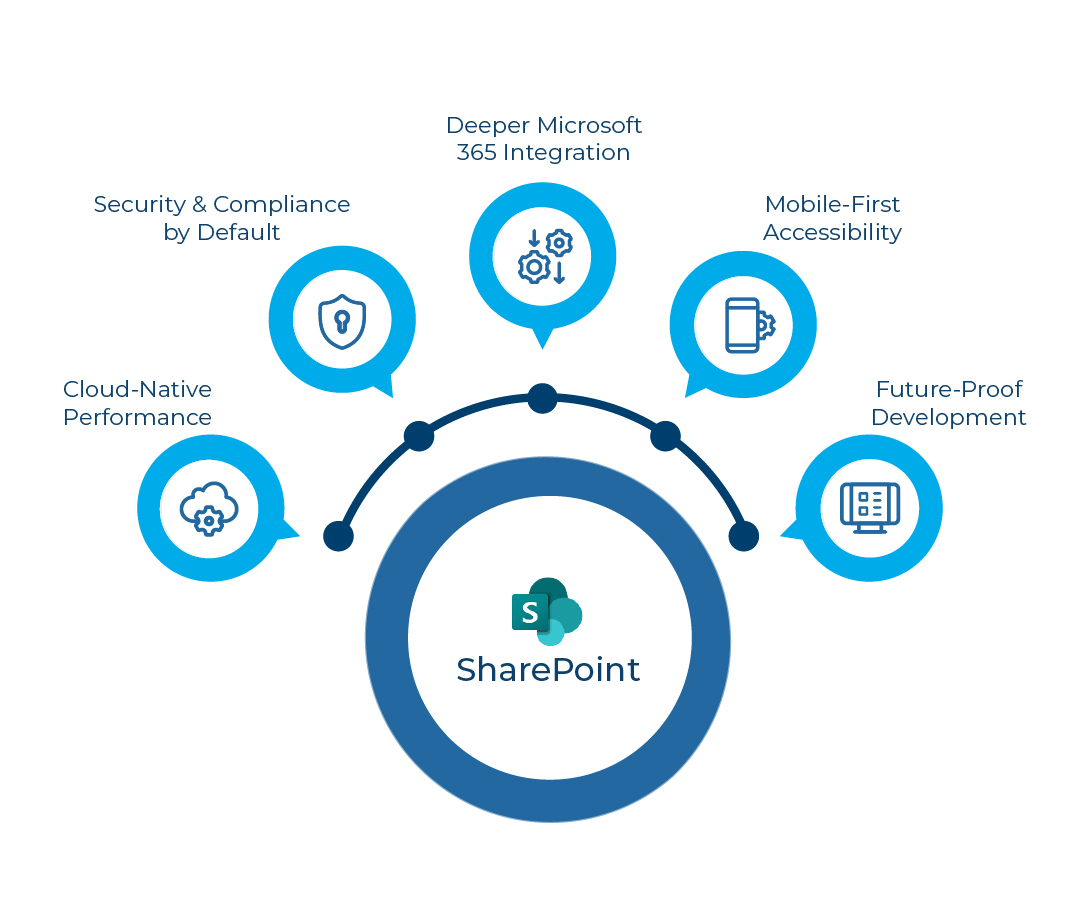
Microsoft’s strategy is deliberate and consistent. The goal is to deliver a cloud-first, secure, and deeply integrated collaboration platform that works seamlessly across the Microsoft 365 ecosystem.
Key reasons behind this transition include:
- Cloud-native performance through client-side rendering and Microsoft’s global content delivery network
- Mobile-first and accessible design, aligned with modern accessibility and usability standards
- Built-in security and compliance, including sensitivity labels, data loss prevention, and information protection
- Future-ready development, centered on SharePoint Framework (SPFx) and low-code platforms instead of server-side customization
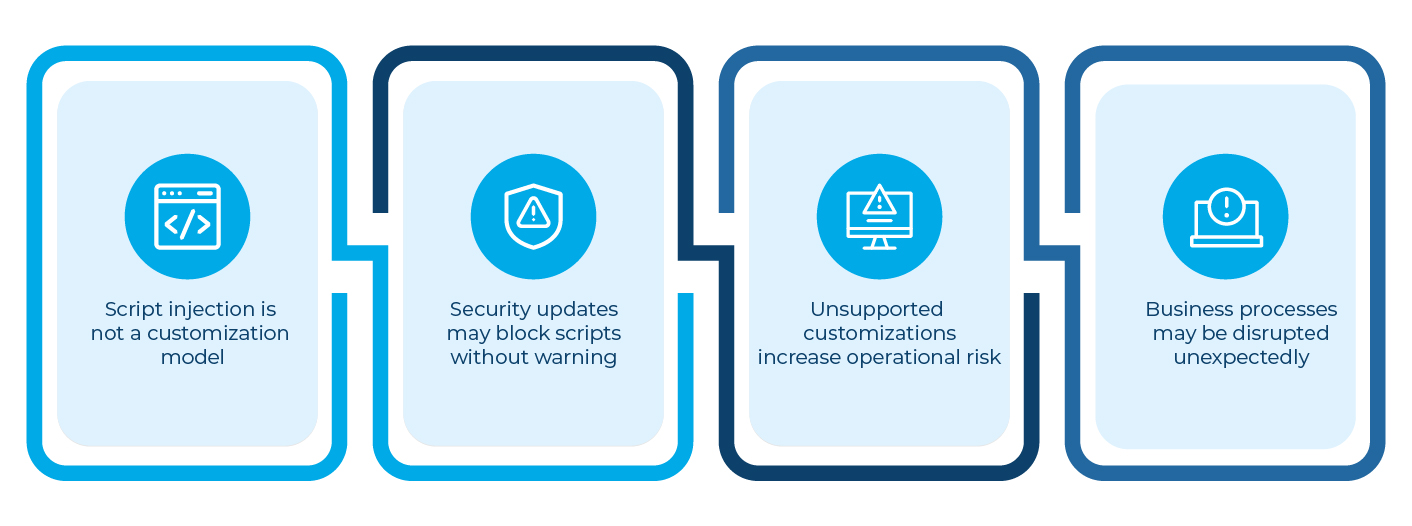
Legacy techniques such as injected JavaScript, Classic web parts, and SharePoint Add-Ins do not align with this model. As a result, they are being deprecated and removed.
What is Being Deprecated and Why It Matters
Several Classic SharePoint components are already unsupported or approaching retirement. The impact is not theoretical. These changes directly affect business operations.
SharePoint Add-Ins & Azure ACS
Retiring April 2, 2026
Custom apps and dashboards built on this model will stop functioning entirely, with no backward compatibility. Organizations relying on these components risk sudden outages.
Custom Script (Script Editor / Content Editor Web Parts)
Blocked starting November 2024
Script-based customizations can break without warning, disrupting page layouts, navigation, and embedded functionality.
Classic Web Parts
These are frozen and unsupported. While they may still render today, they accumulate technical debt and increase operational risk with every platform update.
InfoPath Forms and SharePoint Designer Workflows
Removed by 2026
Forms and workflows must be rebuilt using PowerApps and Power Automate. There is no direct migration path.
Classic Master Pages and Ribbon Customization
There is no supported transition to Modern SharePoint. Branding, navigation, and user experience must be redesigned using modern theming and extensions.
Real-Time Scenario (Anonymized)
A large enterprise organization had built its internal portal entirely on SharePoint Classic end of life. Over time, the solution expanded to include:
- Custom HTML and jQuery injected via Script Editor
- Classic list forms customized using Content Editor
- Approval workflows created with SharePoint Designer
- Department dashboards powered by legacy web parts
For years, the platform appeared stable. That perception changed as Microsoft 365 updates began affecting functionality.
First, users noticed broken page layouts and missing interface elements. Soon after, approval workflows began failing intermittently. Security teams raised concerns when audits exposed gaps in compliance logging and access controls.
The organization faced a critical decision. Continue patching unsupported solutions or modernize with a long-term strategy.
The Modernization Approach
Instead of a “lift-and-shift,” the organization adopted a phased modernization strategy focused on stability and value.
Key actions included:
- Rebuilding custom pages using SPFx web parts
- Migrating Classic forms to Power Apps
- Recreating workflows using Power Automate
- Replacing script-based UI changes with JSON formatting
- Introducing governance to prevent unsupported customizations
The Outcome
The results were measurable and immediate:
- Improved performance and mobile usability
- Fewer incidents after Microsoft 365 updates
- Reduced maintenance effort and faster enhancement cycles
- Stronger security and audit readiness
- Long-term platform stability with full Microsoft support
Most importantly, business users experienced less disruption and higher adoption, while IT teams gained confidence in the platform’s future.
The Risk of Delaying Modernization
Organizations that remain on SharePoint Classic face compounding risks over time:
- Compliance gaps due to limited auditing and policy enforcement
- Increased security exposure as modern protection policies do not apply
- Productivity loss from outdated navigation, search, and user experience
- Rising support costs due to reactive fixes and broken scripts
- Vendor and platform abandonment as partners move to Modern-only solutions
Each delay increases complexity, cost, and operational risk.
A Proven Modernization Strategy
Organizations that succeed with SharePoint modernization follow a disciplined approach:
- Assess the current landscape: Inventory sites, customizations, workflows, and dependencies
- Design for Modern from the start: Establish hub sites, theming standards, and Microsoft 365 Groups
- Start small and scale deliberately: Pilot key workloads before expanding enterprise-wide
- Rebuild only what delivers real value: Eliminate technical debt instead of migrating it forward
- Apply governance and adoption practices: Ensure long-term stability, security, and sustained user adoption
ROI and Licensing Considerations
Modern SharePoint delivers measurable returns:
- Faster performance and improved user experience
- Lower support and maintenance costs
- Built-in mobile access and accessibility compliance
From a licensing standpoint, most Modern SharePoint capabilities are already included in Microsoft 365 subscriptions such as E3, E5, and Business Premium. Additional licenses are required only for advanced scenarios.
For most organizations, modernization is about maximizing existing investments, not increasing licensing spend.
Conclusion: Modern SharePoint Is About Business Continuity
Modern SharePoint is not simply an upgrade. It is the foundation for secure, scalable, and future-ready digital workplaces. Organizations still relying on Classic SharePoint, InfoPath, or SharePoint Designer workflows should begin transitioning to SPFx, Power Apps, and Power Automate now to avoid disruption later.
Modernization protects today’s operations and enables tomorrow’s innovation.